Understand the layers
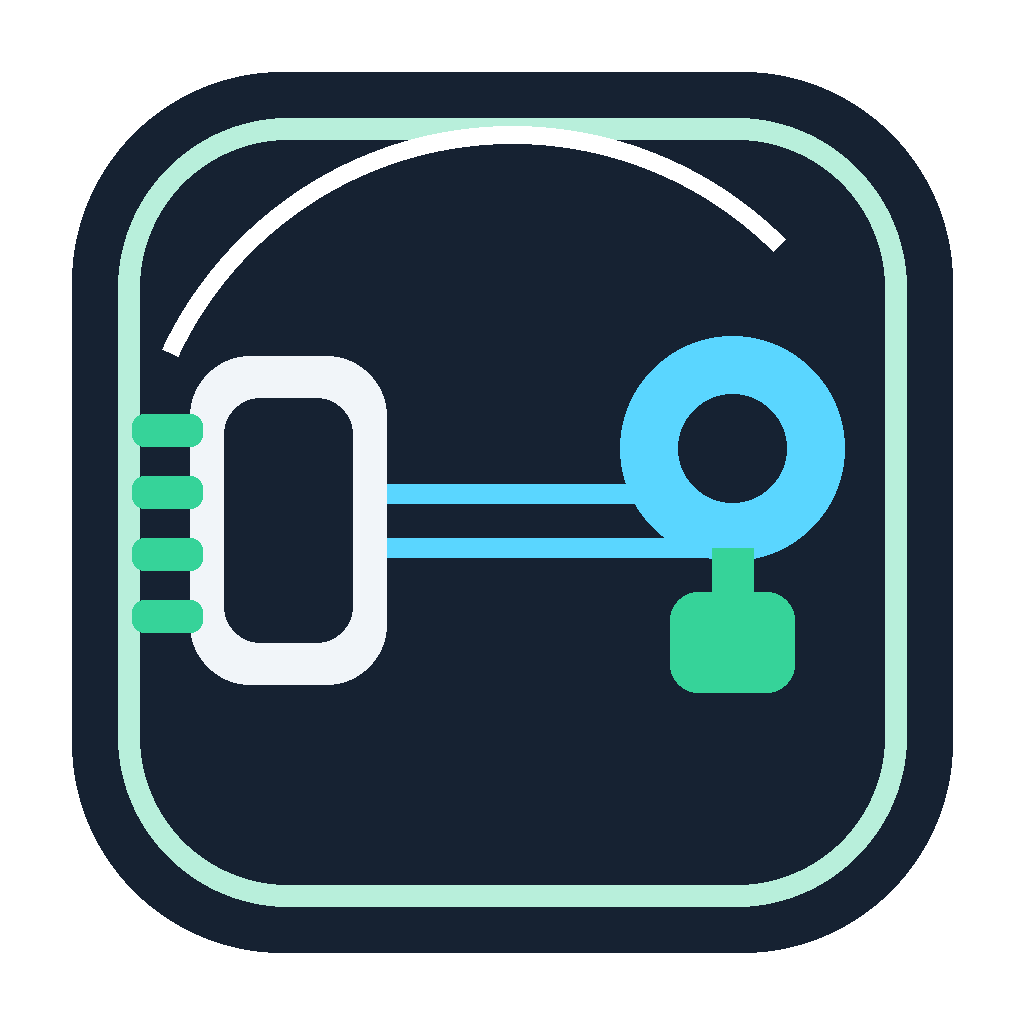
RS485 describes the electrical serial side. TCP/IP describes the network transport. A gateway sits between them, and Windows bridge software can present that gateway as a local virtual COM port.
Where the virtual COM port fits
The application sends bytes to a COM port. The bridge forwards those bytes to the gateway over TCP. The gateway then communicates with the RS485 bus. Responses travel back through the same path.
Important checks
- Confirm the gateway IP address and listening TCP port.
- Verify baud rate, parity, stop bits, and flow control where the gateway exposes those settings.
- Know whether your protocol supports multiple devices on the RS485 bus.
- Avoid opening the same virtual COM port from two Windows applications at once.
Deployment steps
- Configure the RS485 gateway and confirm it can reach the devices.
- Create a virtual COM port on the Windows computer.
- Map the COM port to the gateway IP and TCP port.
- Start the bridge and test with a simple read command.
- Document the full path for operators and support staff.
Troubleshooting tip
If communication fails, separate the problem into network reachability, TCP connection, serial settings, and application protocol. Fixing one layer at a time is faster than changing every setting at once.